Powerful features for serious operations
Comprehensive video management for modern security operations — built for Windows and Linux, designed for professionals.
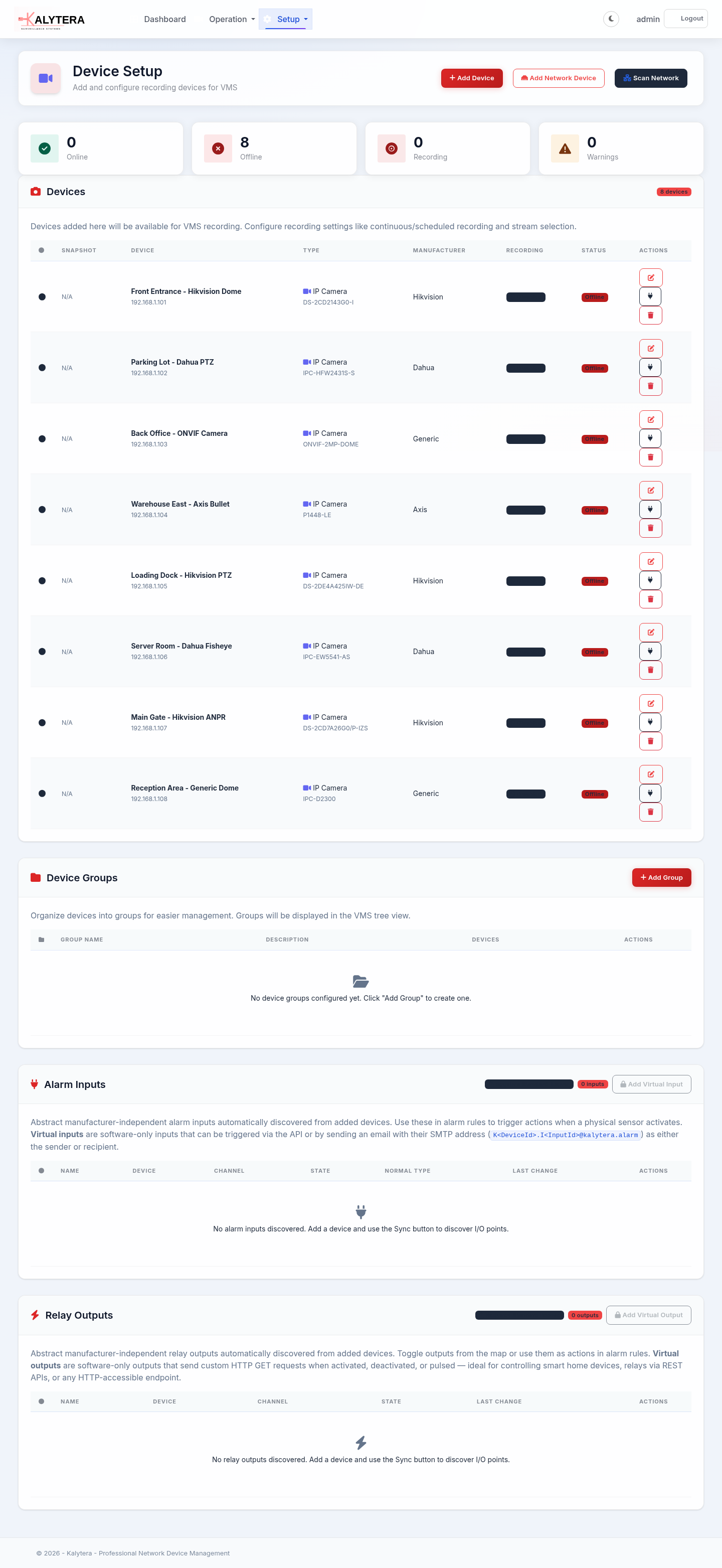
Fast Device Discovery
Quickly find and add IP cameras on your network. Enter an IP range and Kalytera scans for reachable devices and identifies supported brands automatically.
- Network range scanning
- Automatic camera brand detection
- Works with Hikvision, Dahua, Axis, and other major brands
- Support for other IP camera brands
- Manual add by IP address or stream URL
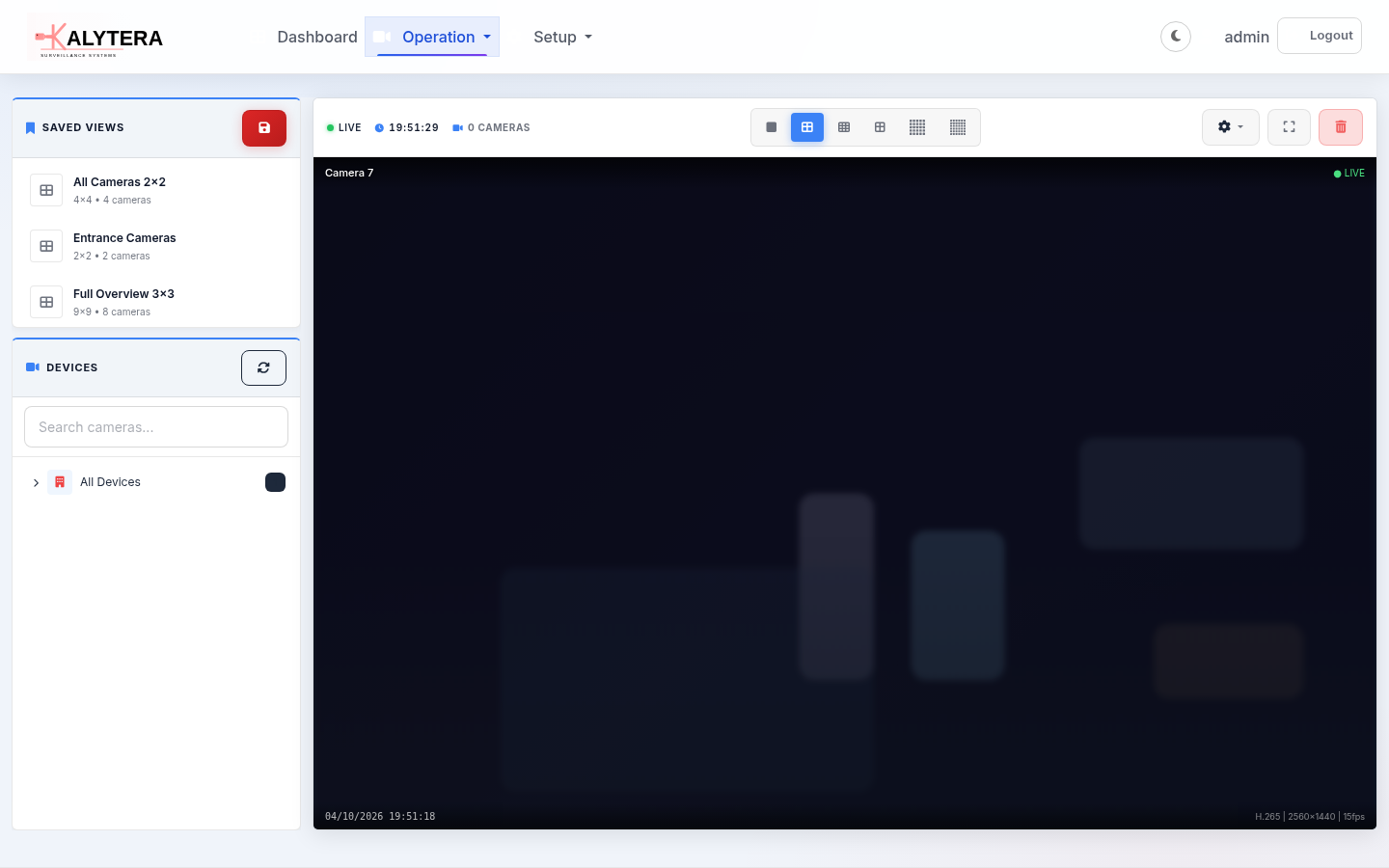
Live View & Recording
Professional-grade live view and recording with near-instant response on your local network, timeline playback, and efficient storage designed for daily operations.
- Near-instant live view on your local network
- Reliable streaming with automatic browser fallback
- Multi-camera grid — up to 6×6 (36 cameras) simultaneously
- Saved views with drag-and-drop layouts
- Secure, efficient recording with integrity protection
- Continuous, scheduled, motion, and on-demand recording
- Timeline-based playback with calendar navigation
- Automatic thumbnail generation & storage cleanup
- Video export to MP4 with quality options Standard+
AI Video Analytics
On-premises AI that runs on your own server — no cloud required. Draw zones, lines, and rules to catch exactly what matters to your operation.
Detection Types
- Motion detection
- Person, vehicle, and object detection
- Zone intrusion detection
- Virtual line crossing
- Loitering detection (dwell timer)
- Overcrowding detection
Smart Search
- Search recordings with natural language Standard+
- Per-camera enable/disable
- Adjustable sensitivity and confidence
- Cool-down and dwell-time settings
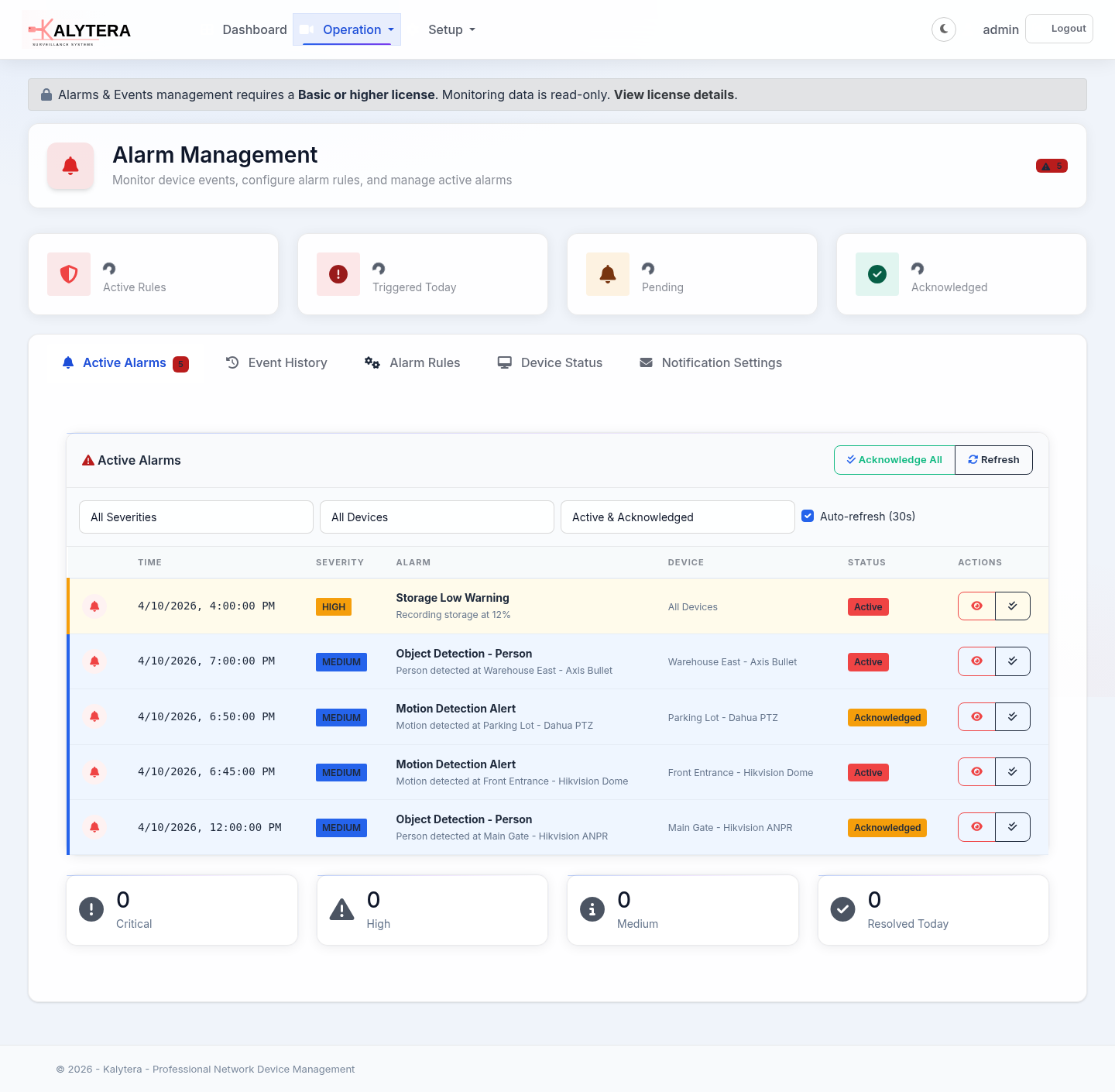
Advanced Alarm & Events Engine
45+ event types — from device-offline alerts and motion detection to AI-driven rules, intrusion zones, and third-party integrations.
Trigger Categories
- Network and connectivity alerts
- Motion, object, zone, line, tamper, and video-loss events
- Recording and storage alerts
- Server health and performance monitoring
- Configuration and firmware change detection
- Schedule-based start/end
- Physical inputs and alarm sensors
- Software intrusion zones & partition events
Alarm Actions
- Real-time browser notifications
- Email alerts
- Webhooks and automated actions
- Auto-start recording on trigger
- Alarm event history & acknowledgement
- Severity levels, cooldown & failure thresholds
- Schedule-constrained rules
- Auto-resolve on restore
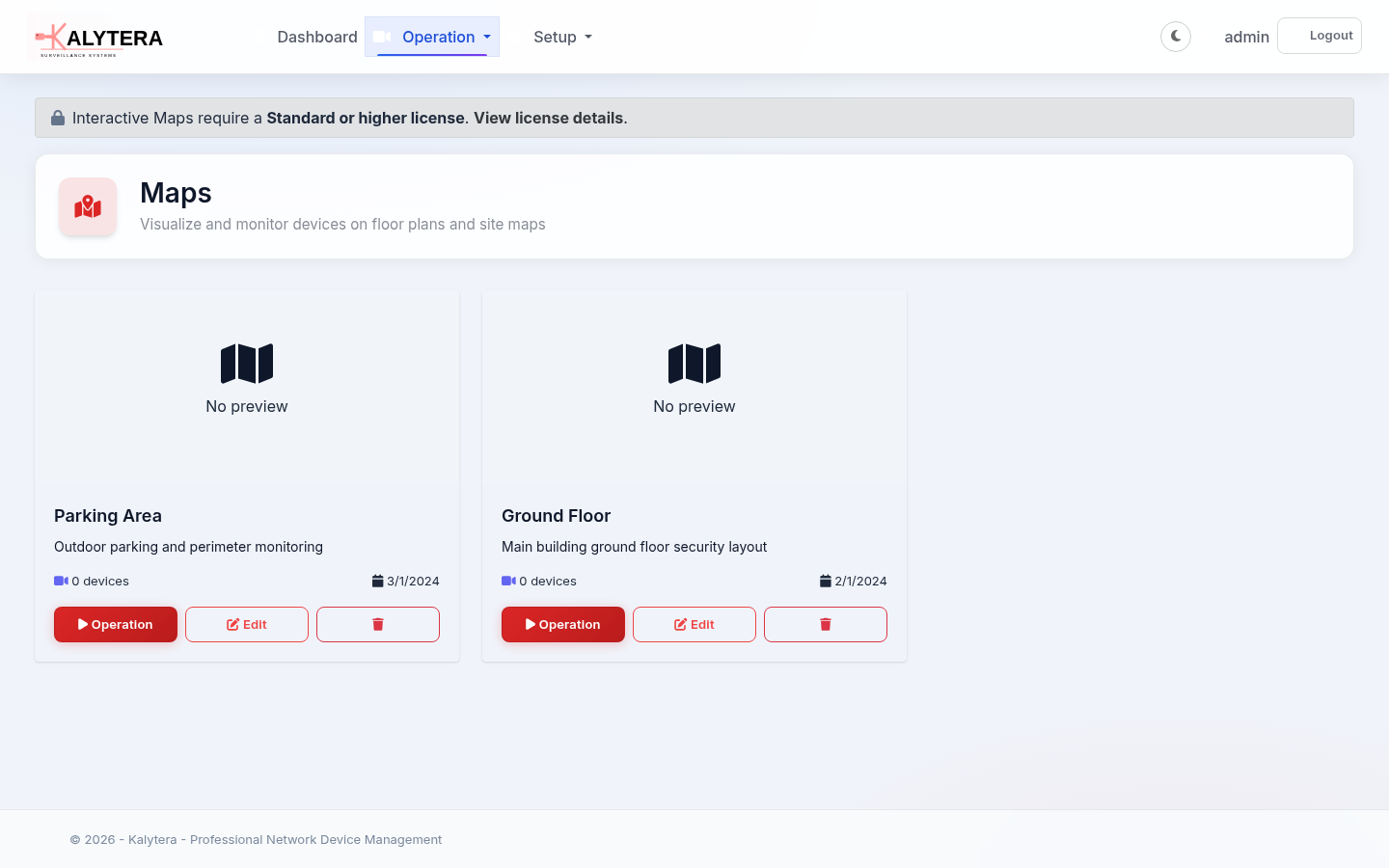
Interactive Maps & Floor Plans
Visualize your security infrastructure on interactive floor plans. Drag-and-drop device placement, real-time alarm indicators, and optional Google Maps background for geo-referenced sites.
- Upload floor plan images
- Drag-and-drop device placement
- Professional drawing tools (shapes, lines, polygons, annotations)
- Real-time device status & alarm indicators (badge, border, icon modes)
- Google Maps integration for outdoor sites
- Pan, zoom, and multi-layer navigation
- Alarm pulse animations on active events
I/O Control & Intrusion Integration
Connect camera alarm inputs, relay outputs, and software intrusion zones into Kalytera's event engine — turning security signals into actionable alarms and automated responses.
Physical I/O Standard+
- Camera alarm inputs (door sensors, PIRs, tamper)
- Relay outputs (sirens, doors, lights)
- Email alerts from cameras and devices
- Virtual I/O inputs / outputs Professional+
Intrusion Zones Standard+ In development
- Software alarm zones and partitions
- Arm, disarm, and bypass controls
- Zone types: instant, entry/exit, 24-hour, fire, medical
- Central monitoring station alerts
Cross-Platform Software
Kalytera runs on Windows and Linux. Companion apps for Android, iOS, and Windows desktop are in early access.
Windows
Windows 10/11 and Windows Server 2016+
Available NowLinux
Ubuntu and Debian
Available NowAndroid
View cameras and devices on the go
Early AccessiOS
View cameras and devices on the go
Early AccessWindows Desktop
Live view, playback, and dashboard
Companion AppAnd Much More…
Everything you need for professional security operations
PTZ Control
Full pan, tilt, zoom control for PTZ cameras with preset management — navigate scenes from the live view in real time.
Customizable Dashboard
Build your own monitoring dashboard with drag-and-drop widgets: live cameras, alarm summaries, device health, and more.
Standard+Device Health Monitoring
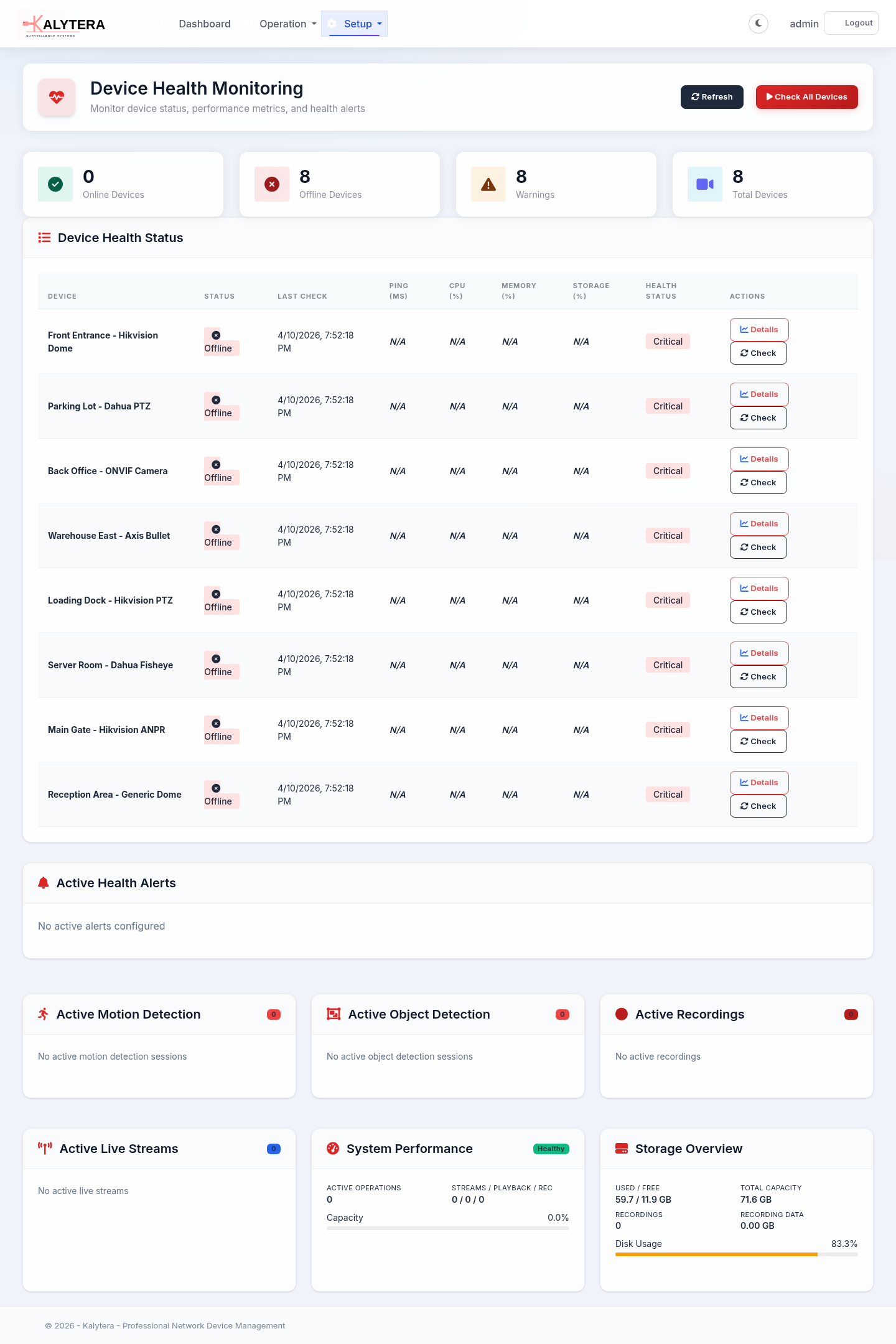
Real-time device status and connectivity monitoring with configurable threshold alerts.
Device Groups & Organization
Organize cameras and devices into groups for structured navigation, bulk operations, and permission scoping.
Fine-Grained Permissions
Role-based multi-user access with per-device and per-feature permissions. Granular control over who can view, record, export, or configure.
Self-Hosted & API
Complete data ownership, no cloud dependencies. Built-in API for automation and integrations.
Experience Kalytera Today
Start with the free 4-camera edition or request a demo to evaluate the full feature set