Commission cameras in minutes, not hours
Point it at the network and it finds your cameras — ONVIF, Hikvision, Axis, Dahua and more. Check clocks and streams, fix settings, snapshot, and produce a whole-site diagnostics report. The toolbox every CCTV installer wishes came in the box.
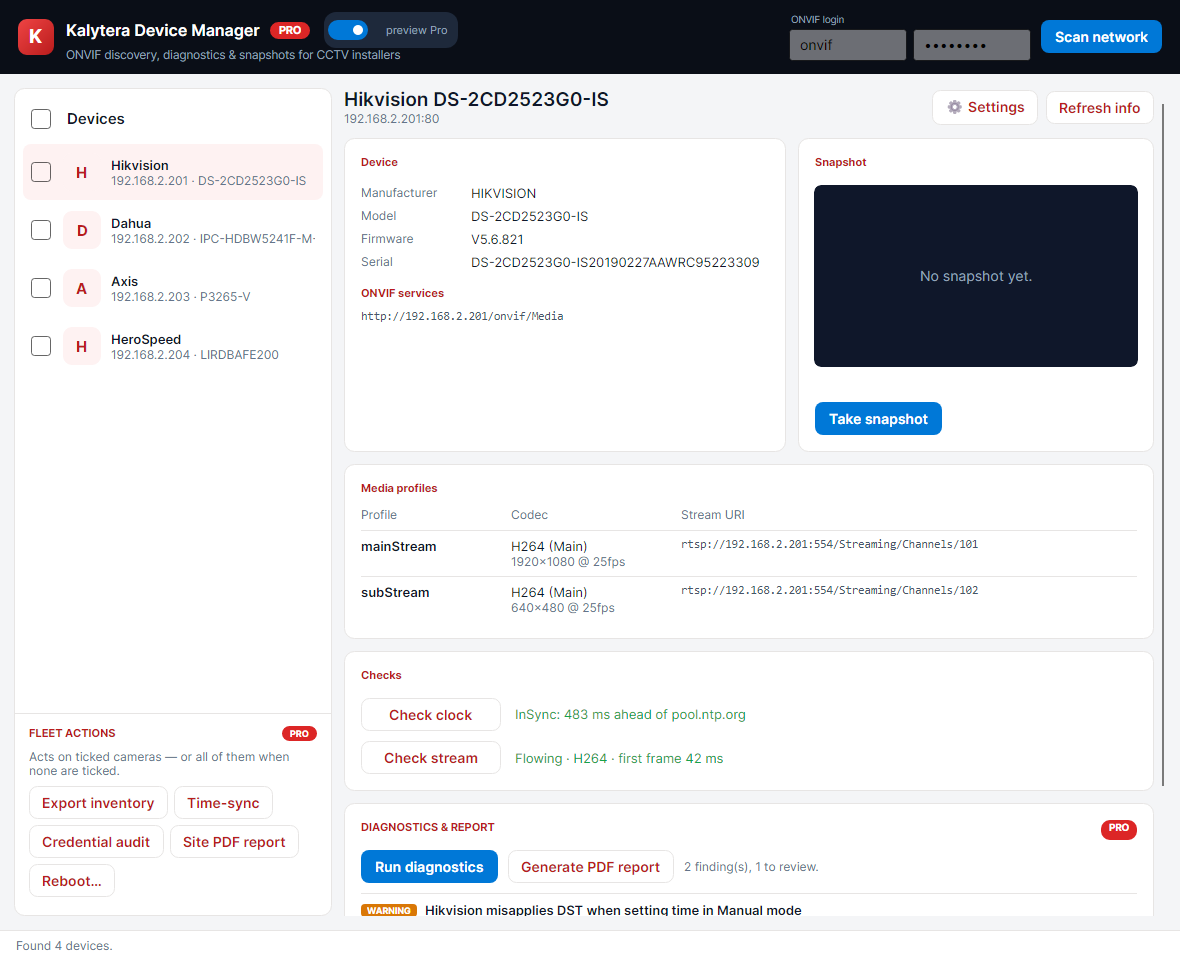
One console for discovery, device info, media profiles, snapshots, health checks and diagnostics.
Find & understand any camera
- Network discovery across ONVIF, Hikvision (ISAPI), Axis (VAPIX) and Dahua
- Manufacturer, model, firmware, serial, media profiles and stream URIs at a glance
- Live snapshot and stream check (codec, first-frame latency)
- Handles APIPA / mis-addressed cameras others miss
Fix it on the spot
- Unified settings editor: video encoder, resolution, bitrate, OSD and image
- Clock check & NTP time-sync, with vendor DST quirks flagged
- Native providers expose settings ONVIF alone can’t reach (e.g. Axis OSD)
- Read-modify-write — only the fields you change are touched
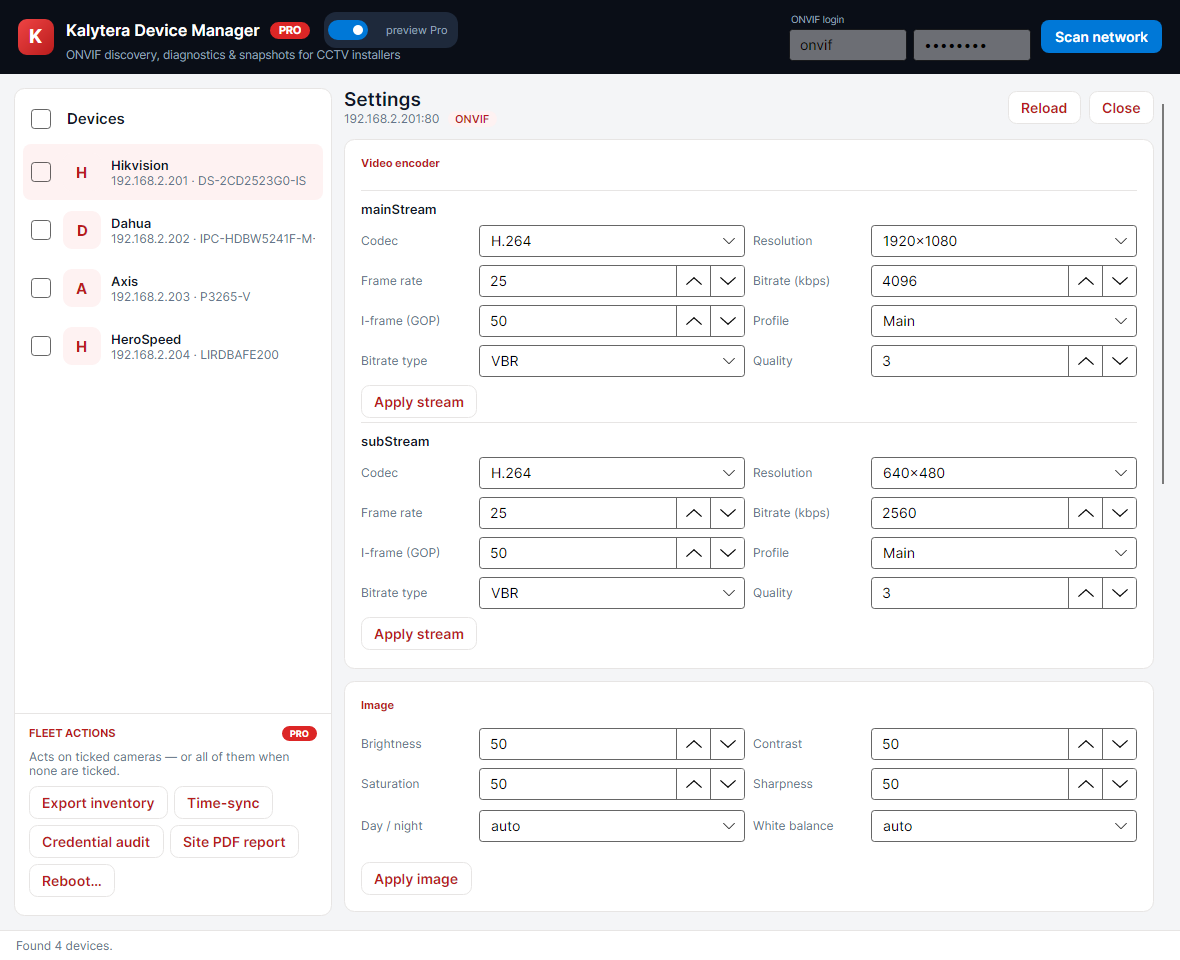
Whole-site, not one camera at a time
Tick a set of cameras and act on all of them — the Pro fleet tools turn a morning of clicking into one click.
- Bulk time-sync, reboot and inventory export
- Default-password / credential audit
- Deep stream diagnostics with plain-language fixes
- Branded PDF site-survey report
Try Device Manager
Download the free Windows edition. Free tier covers single-device discovery, info, snapshots and settings. Pro adds fleet actions, deep diagnostics and the site-survey report.
Download the free version
Windows installer — sign in to download. Pro features unlock with a portal-issued license.
v1.0.0