Design CCTV systems that actually cover the site
Place cameras on a floor plan and instantly see real DORI coverage — identify, recognise, observe, detect — then hand the client a branded proposal with a bill of materials. A modern, desktop alternative to spreadsheet-and-guesswork camera planning.
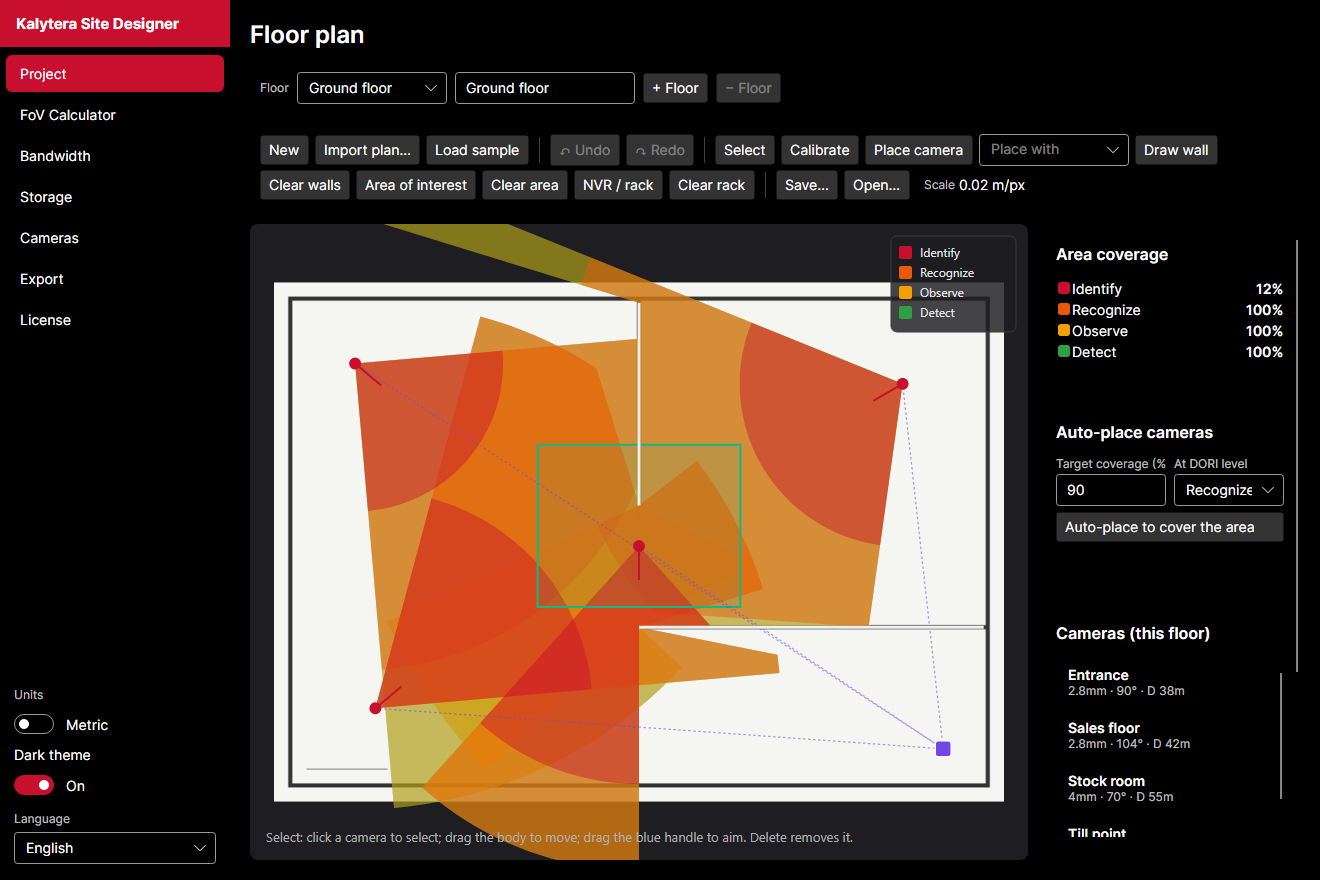
Live DORI coverage overlays as you place and aim cameras on a calibrated floor plan.
Coverage you can defend
- DORI coverage overlays (Identify / Recognise / Observe / Detect) computed per camera
- Area-of-interest coverage % and highlighted blind spots
- Auto-place cameras to hit a target coverage at a chosen DORI level
- Import a PDF or image floor plan and calibrate to scale
Engineering built in
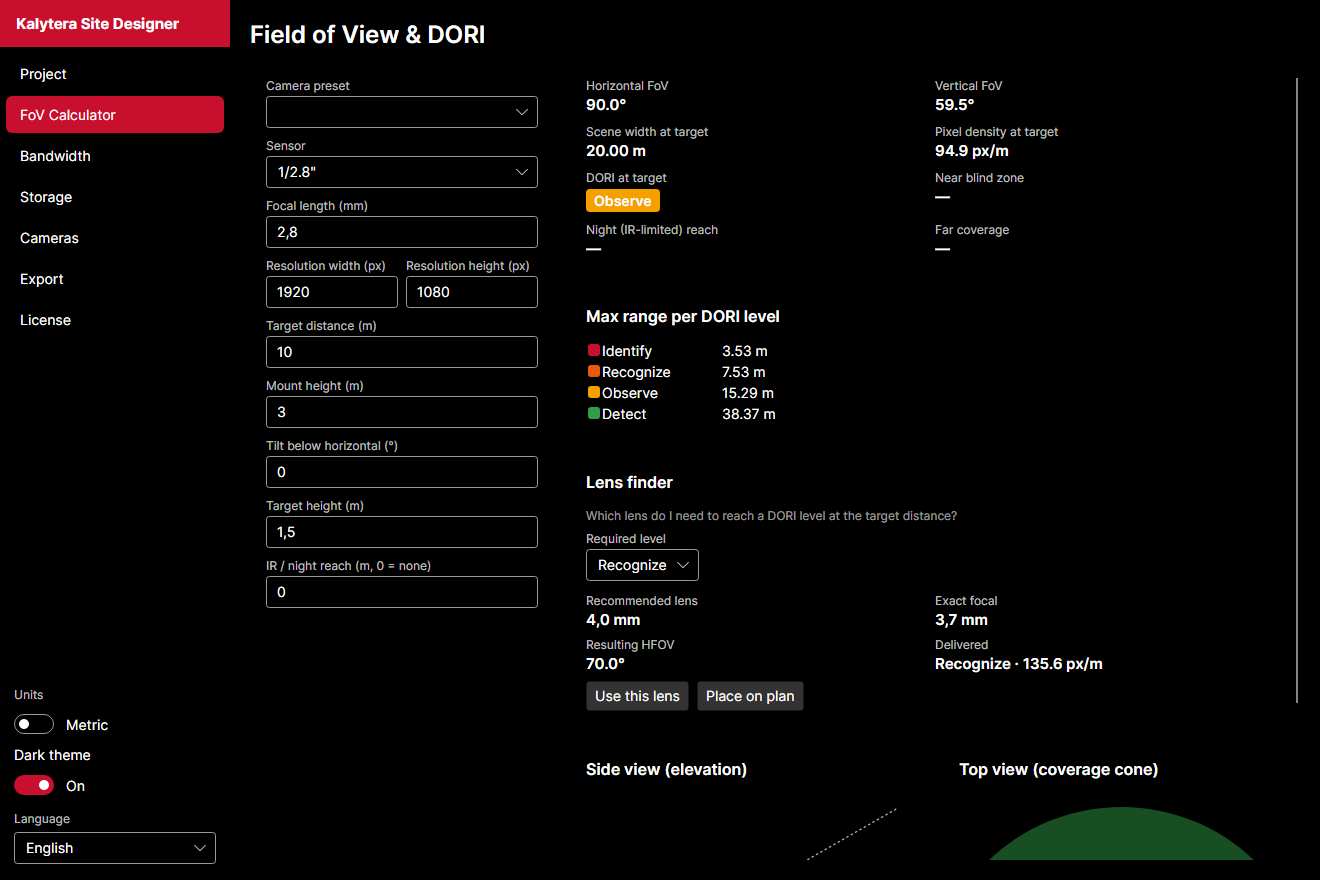
- Field-of-view & reverse lens finder (“which lens reaches Recognise at 20 m?”)
- Bandwidth and storage/retention calculators (codec, fps, RAID, drive size)
- Camera preset database with sensor and lens data
- Metric & imperial units, light and dark themes
Win the job with the paperwork
Turn a design into a client-ready proposal in a click: cameras, coverage, retention and a priced bill of materials — exported to PDF and CSV.
- Branded proposal PDF (your logo, company, customer)
- Bill of materials with quantities, unit prices and tax
- Reusable project templates
Try Site Designer
Download the free Windows edition or request Pro pricing — the free tier lets you design and export with Kalytera branding; Pro unlocks full custom branding and templates.
Download the free version
Windows installer — sign in to download. Pro features unlock with a portal-issued license.
v1.0.0